

微软 Win10 Build 21354 ISO 官方镜像预览版下载




下载客户端
独家抢先看
独家抢先看
IT之家4月11日消息 近期微软推送了 Windows 10 Insider 预览版本 Build 21354 更新,带来了几项新功能,包括任务栏上的新闻和兴趣的新的个性化设置选项,显示设置的改进,新相机设置页面,微软画图、截图工具等内置应用将通过 Windows 10 商店更新。
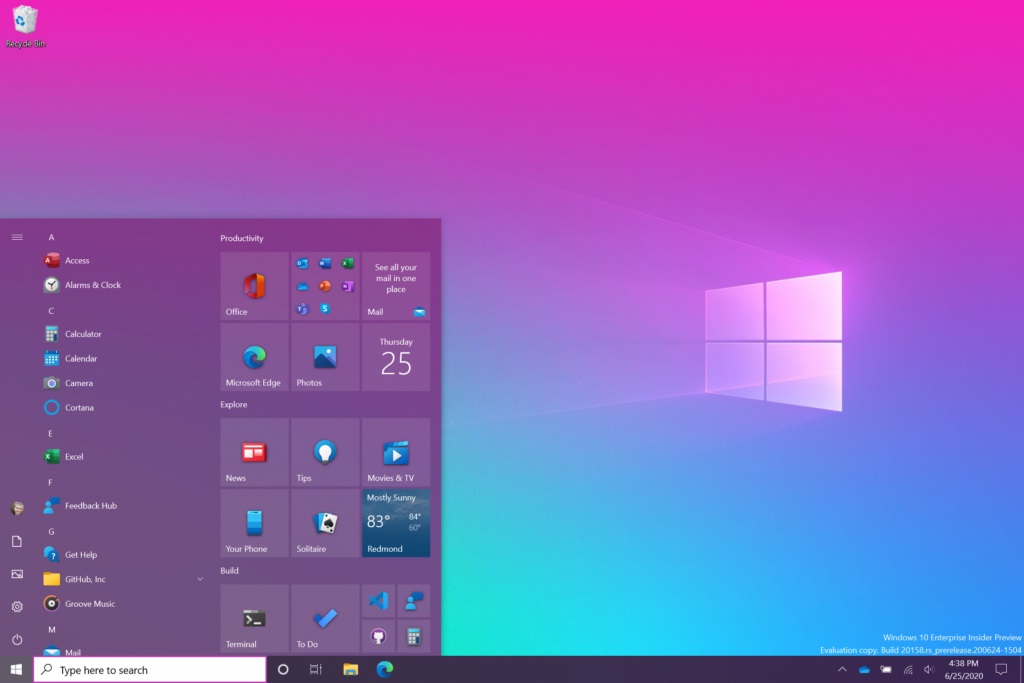
如何下载 Windows 10 ISO 镜像
要下载 Windows 10 ISO 镜像,请按照以下步骤进行。
在这里注册或登录 Windows Insider 项目。
前往微软网站的下载页面。
选择 “Windows 10 Insider Preview (Dev Channel)” - Build 21354。

选择语言(确保改进在 “设置”应用 > 语言中给出的语言)。
IT之家提醒,如果你正确按照上述步骤操作,ISO 镜像文件将在浏览器中开始下载,不过该链接将在 24 小时后失效。
“特别声明:以上作品内容(包括在内的视频、图片或音频)为凤凰网旗下自媒体平台“大风号”用户上传并发布,本平台仅提供信息存储空间服务。
Notice: The content above (including the videos, pictures and audios if any) is uploaded and posted by the user of Dafeng Hao, which is a social media platform and merely provides information storage space services.”


